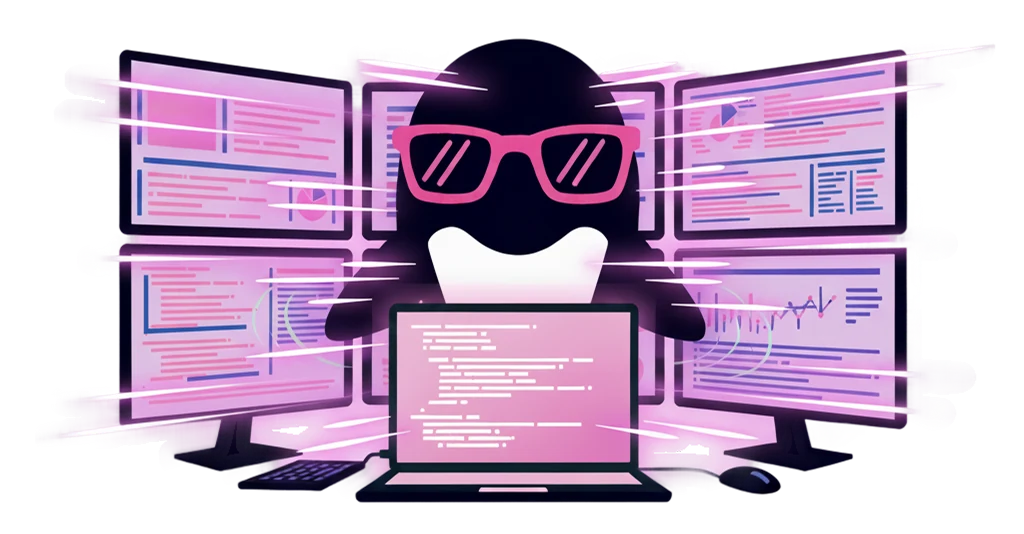
Dashboards keep eating the day

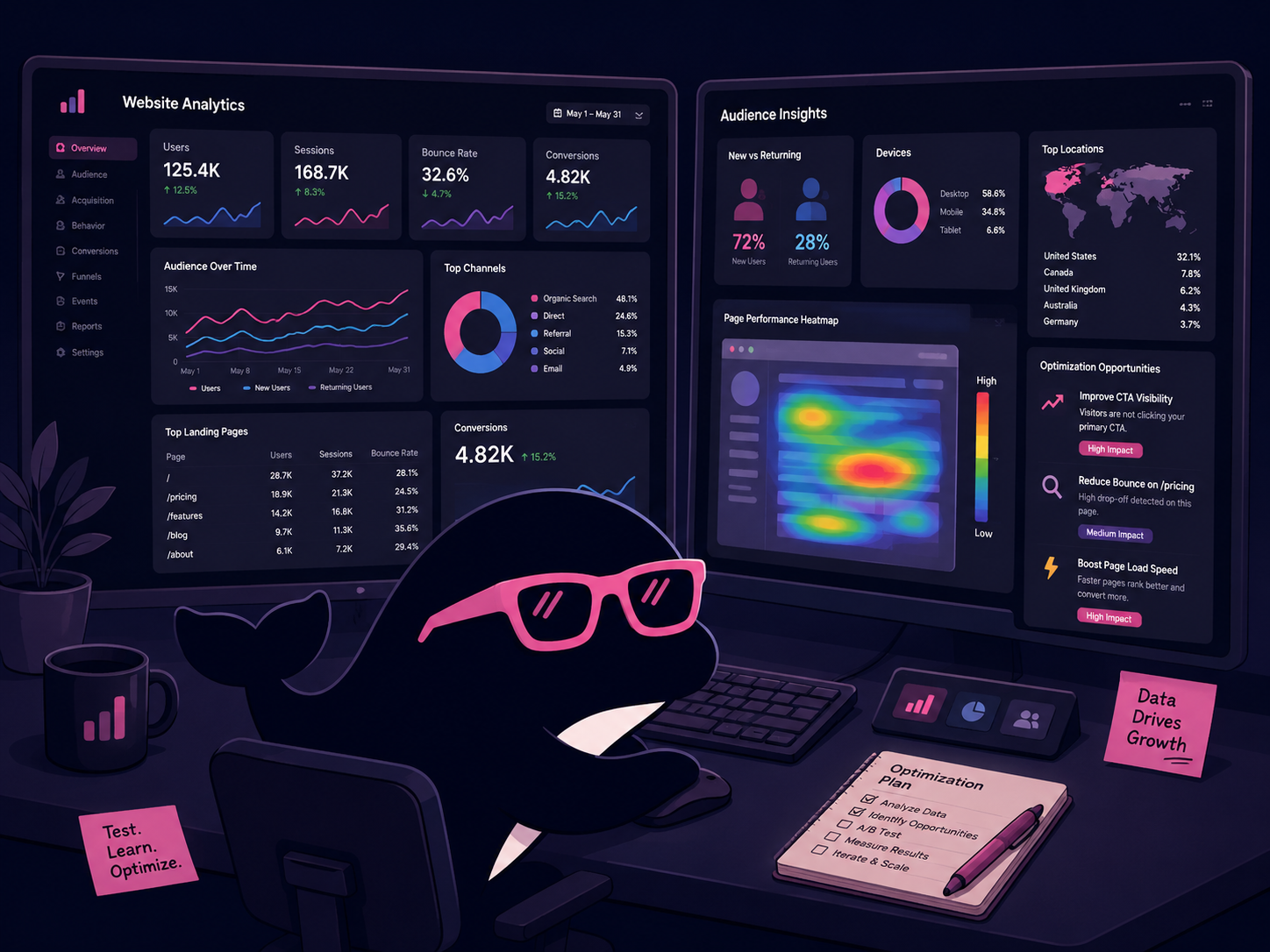
Select GA, heatmaps, A/B test results, or social analytics to get the change points and a short list of likely next moves.
Use Case / Marketers
Read GA, heatmaps, and A/B test screens in place. Generate ads, social creative, and slides from the corner of your desktop. Spin up copy variations without breaking the campaign loop.
IrukaDark keeps dashboard reading, creative generation, copy variations, and competitive watch all on the screen you already use.
Select GA, heatmaps, A/B test results, or social analytics to get the change points and a short list of likely next moves.
Generate ad banners, social posts, thumbnails, and short videos via @image and @video. Save brand guides as templates to skip re-attaching every time.
Spin up headlines, CTAs, descriptions, and hashtags with rewrite. Pull in competitor and industry articles, and translate the occasional foreign source in place.
IrukaDark appears over GA, Figma, your social manager, and your ads dashboard — no tool switching.
Option + S
Select areas of GA, Search Console, heatmaps, A/B results, or ad managers. Surface the change points and short hypothesis lists.
@image / @video / @slide
Produce banners, social assets, short videos, and proposal slides from prompts. Sizes, batch counts, and templates managed via /image, /video, /slide.
Rewrite & translation
Headlines, CTAs, descriptions, social captions, and hashtag variations on demand. Overseas case studies and articles can be translated in place.
Clipboard / snippets
Auto-save up to 1,000 text items and 30 images. Copy multiple creative options in sequence and paste them into your tools or docs in order.
From morning data checks to creative, distribution, and competitive watch, IrukaDark helps the whole loop.
Summarize GA, heatmaps, and ad managers via selection. See what changed and what hypotheses need testing today.
Use @image for banner candidates, @video for short clips, and @slide for proposal decks. Pipe variants into delivery tools through clipboard.
Rewrite headlines, CTAs, and captions into variations. Call up hashtag and signature snippets in one keystroke.
Translate and summarize competitor sites, overseas social posts, and marketing articles. Drop interesting cases straight into your mood board.
Here is how IrukaDark's core tools show up in a marketer's day.
GA, Search Console, heatmaps, A/B tests, and ad managers — selected areas get change points and short hypothesis lists.
Banners, social, short videos, and proposal slides from the corner of the desktop. Brand guides live in templates.
Headlines, CTAs, social captions, hashtags, and overseas marketing articles. Replace directly in the document when needed.
1,000 text items and 30 image clipboard history. Snippets for hashtags, signatures, and template posts called up instantly.
Common questions when bringing IrukaDark into marketing workflows.
Start with dashboard screenshot explanation and @image / @video creative generation. Daily reporting and creative production shrink at the same time.
If the screen can be selected or captured, IrukaDark can explain it. Metric meanings and likely points of focus come out as a short read.
Save references and brand guides in templates so you stop attaching them per generation. Color rules and tone-and-manner stay consistent.