Hunting for the right app

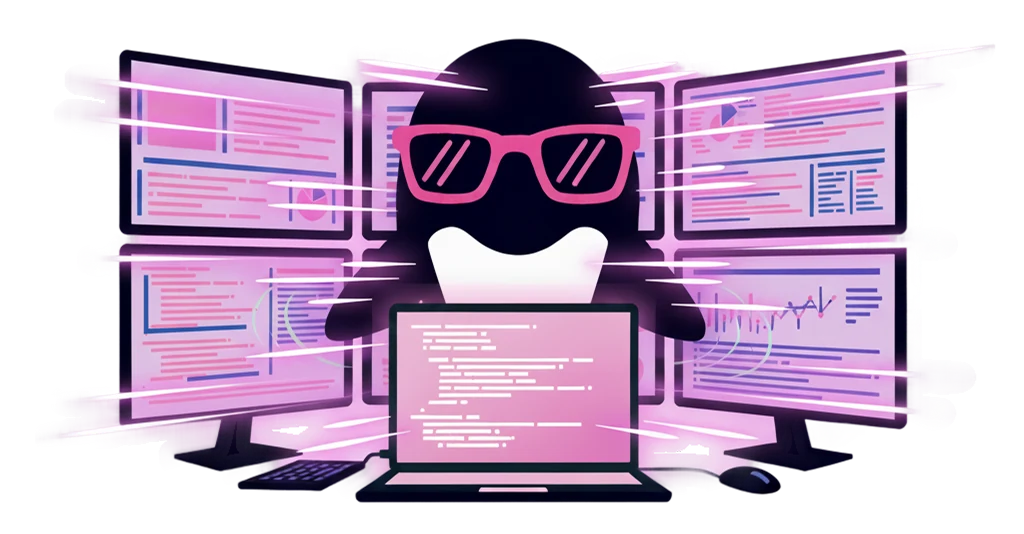
Every time you open the next app, you scan the Dock, the taskbar, or a pile of open windows for it. Those few seconds keep adding up.
Feature / App Launcher
Cursor, your terminal, GitHub. Reach the apps you move between all day in the fewest steps, straight from IrukaDark. No hunting for a window, no scanning the Dock or taskbar.
IrukaDark handles calling up the apps you use most, quickly and right over your screen.
Every time you open the next app, you scan the Dock, the taskbar, or a pile of open windows for it. Those few seconds keep adding up.
The more you move between apps, the longer it takes to settle back into the task. Small interruptions chop your focus into pieces.
The apps you touch every day are the ones you stop thinking about opening. That is exactly why they should sit one quick step away.
No moving into a new screen. Reach your most-used apps from right where you are looking.
Launcher
IrukaDark becomes a launcher that can call up other apps. Reach the ones you use most quickly, right over your current screen.
Launch apps
Jump to the apps at the center of your work, like Cursor or your terminal, in the fewest steps. Spend less time scanning for a window.
Quick access
Call up the apps you move between all day, straight from IrukaDark. The ones you use most stay close at hand.
Stay in flow
By calling up apps right where you are, you hold on to the focus that used to break with every switch.
From morning startup to development work and review, it helps as a flow, not a single point.
Call up the apps you need for the day from IrukaDark, one after another, and get started. Less time spent hunting around.
Move quickly between apps you bounce between often, like Cursor and your terminal. Less time with your hands stalled.
Reach apps you open often, like GitHub, from right where you are. Keep your review flow unbroken.
When you finish one task and move to the next, call up the apps you need from IrukaDark and switch without breaking your flow.
IrukaDark's app launcher supports quick access to the apps you use most.
When you want to call up another app. Reach the ones you use most from IrukaDark.
When you want to move to the next app right away. Get there with less time spent hunting for a window.
When you want daily apps close at hand. Reach the ones you touch most in fewer steps.
When you do not want to leave your current task. Call up apps right over the screen you are looking at.
Common questions when getting started.
It lets you call up other apps from IrukaDark. Reach the apps you use most quickly, right over your current screen.
It helps when you want to reach apps you move between all day, like Cursor, your terminal, and GitHub, in the fewest steps.
Yes. You can call up apps from right over the screen you are looking at, so you move on without breaking your flow.