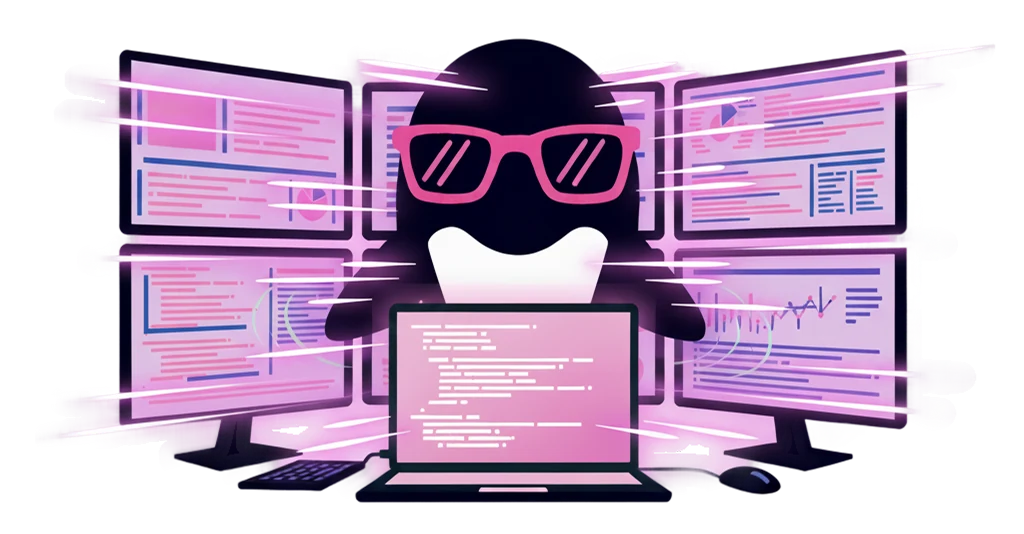
Requests scatter everywhere

Chat, email, spoken asks, documents. Requests arrive from all kinds of people through all kinds of channels, and your to-dos never gather in one place.
Feature / Task management
Chat, email, documents. You no longer have to copy down the requests that come from all directions. Just screenshot whatever catches your eye, and IrukaDark records it as a task automatically. No more hunting for to-dos or transcribing them by hand.
IrukaDark takes over catching, recording, and clearing your tasks, right over your screen.
Chat, email, spoken asks, documents. Requests arrive from all kinds of people through all kinds of channels, and your to-dos never gather in one place.
Every time you spot a request, you open a separate tool and type it in. That extra step makes you hesitate to log it at all.
While you mean to log it later, the request scrolls away. Just remembering it becomes a quiet burden.
No new tool to open. IrukaDark is summoned right over the screen you are looking at.
Option+T
Press Option+T to record what you need to do as a task on the spot. Log it without breaking your flow.
Screenshot
Just screenshot a screen showing a request or a note. IrukaDark reads it and records it as a task automatically.
Gather requests
Requests from all kinds of people across your chat tools turn into tasks from a screenshot, gathered in one place.
One list
Recorded tasks show up in one list. Look over what to finish today and move through it without missing anything.
From the instant you receive it through recording, organizing, and clearing, it helps as a flow, not a single point.
When a request comes in by chat or email, screenshot it on the spot. Press Option+T and it becomes a task right away.
To-dos that pop into your head stack up with a single screenshot, so there is no burden of remembering them later.
Look over the tasks you have gathered in one list and decide what to finish today.
Review the tasks you have completed and check for anything left undone whenever you need to.
IrukaDark's task management brings recording through clearing into one place.
When you want to record right now. Press Option+T to leave a task on the spot.
When you want to capture a request or a note. Screenshot it and the content becomes a task automatically.
When you want to bring scattered requests together. Collect the ones arriving from your chat tools into one place.
When you want to see the whole picture. Check your recorded to-dos in one list and work through them.
Common questions when getting started.
Use the Option+T shortcut, or a screenshot of your screen. Just capture a screen showing a request or a note, and IrukaDark turns it into a task automatically.
Yes. Anything on your screen, including chat and email, can be captured from a screenshot, so requests from all kinds of people gather in one place.
In a list inside IrukaDark. Look over what to finish today and move through it without missing anything.