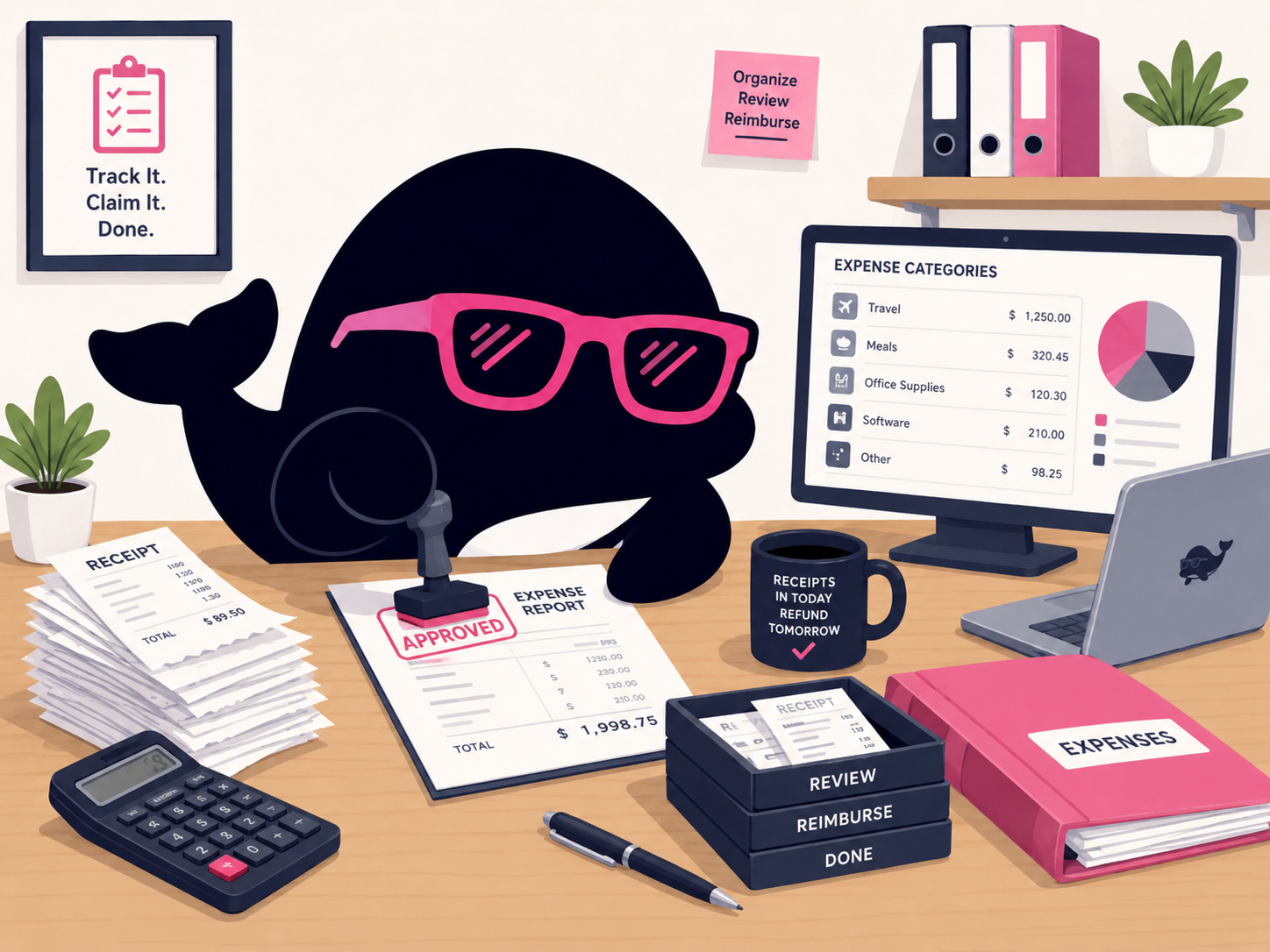
Receipts and expense screens eat time

Select inside receipts, expense screens, and quotes to surface key points. Approval, rejection, and account-code calls become quicker.
Use Case / Back Office
Read receipts and request screens in place. Surface the key points from contracts and policies. Lift internal notices and multilingual emails via rewrite, and recall routine messages from snippets.
IrukaDark handles receipt review, contract reading, internal notices, and routine communications on the screen you already use.
Select inside receipts, expense screens, and quotes to surface key points. Approval, rejection, and account-code calls become quicker.
Select contract clauses, work rules, internal policies, and foreign-language wording to get the key points. The items to bring to legal stand out clearly.
Polish all-hands notices, multilingual emails, and routine messages via rewrite and translation. Replace the text in place when ready.
IrukaDark appears over the expense system, contract repository, mail client, and internal portal.
Option + S
Select expense screens, receipt PDFs, quotes, and invoices. Get the key points and follow-up items in seconds.
Option + A / URL / PDF
Contracts, work rules, internal policies, and foreign-language clauses — extract the key points and the issues worth taking to legal.
Rewrite & translation
Polish all-hands notices, multilingual emails, and outbound messages. Replace in place, and tighten wording to reduce misreading.
Snippets / clipboard
Keep expense-rejection text, attendance reminders, and contract-check requests as snippets. The clipboard history handles bulk data transcription.
From morning approvals to contracts, internal notices, and routine work, IrukaDark helps end-to-end.
Summarize expense, approval, and attendance request screens via selection. Spot the items to reject or confirm quickly.
Read contracts, work rules, internal policies, and foreign-language clauses via selection or URL. Pull the relevant sections and route them to the right team.
Polish all-hands notices, multilingual emails, and routine messages via rewrite and translation. Combine with snippet defaults for speed.
Use clipboard history to batch up data transcription. Recall recurring request and notice text as snippets.
Here is how IrukaDark's core tools show up in a back-office team's day.
Expense screens, receipts, quotes, invoices, and attendance requests — selected areas come back with key points and follow-up items.
Contracts, work rules, internal policies, and foreign-language clauses get summarized into the points worth escalating.
All-hands notices, multilingual emails, and external comms get polished, with in-place replacement when needed.
Recurring text like expense rejections and attendance reminders live in snippets. 1,000 text items and 30 image clipboard history handle batch transcription.
Common questions when bringing IrukaDark into back-office workflows.
Start with screenshot explanation for receipts and expense screens, plus selected-text explanation for contracts and policies. The everyday checks shrink fastest.
Contracts, work rules, and foreign-language clauses can be summarized through selection or PDF input. The points worth escalating to legal stand out.
Keep expense rejections, attendance reminders, and similar text as snippets, and recall them in one tap. Rewrite and translation polish anything you write on top.